Use the NLS Investigator to search for variables of interest and review codebook details to confirm that you have the right data for your analysis.
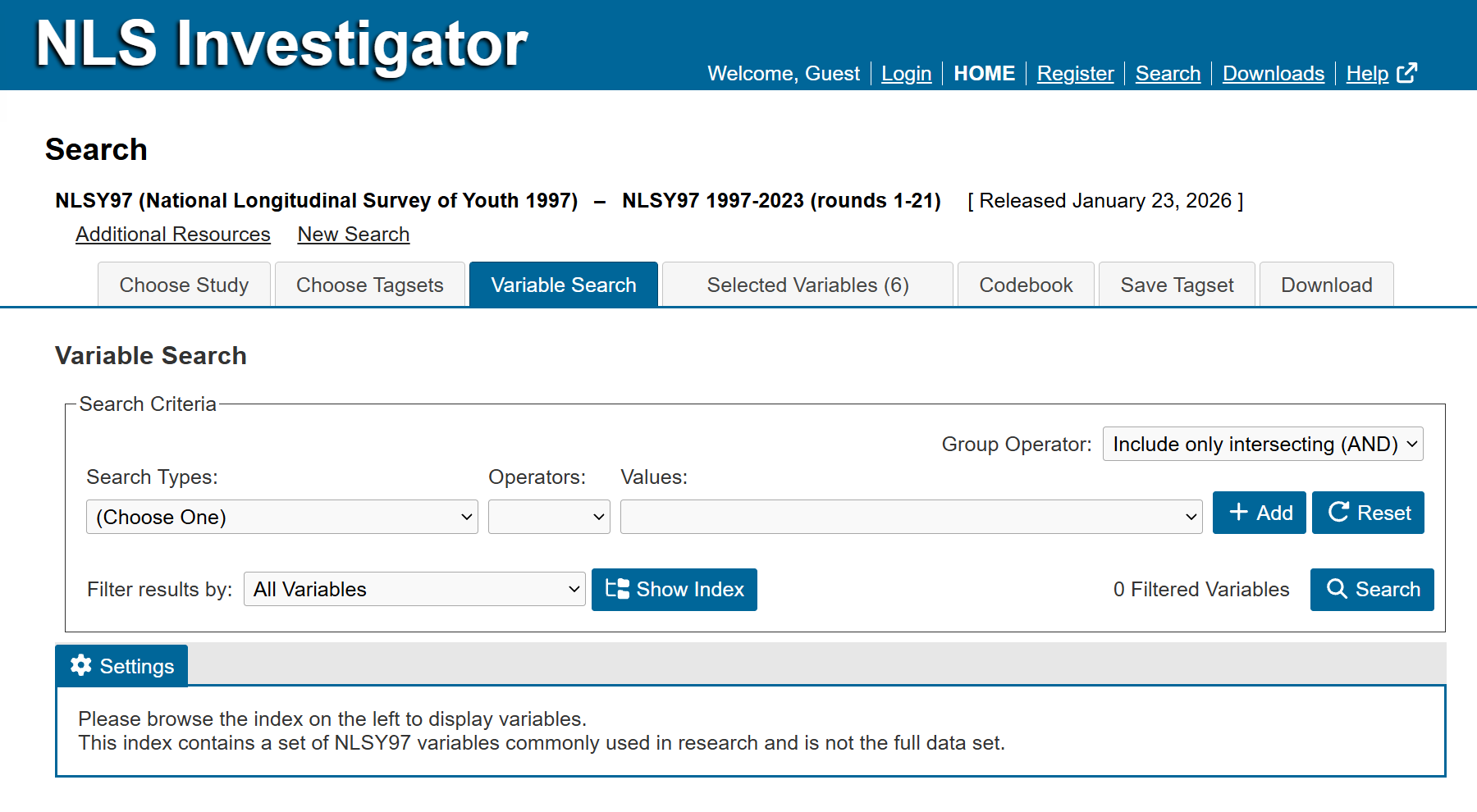
The Variable Search tab is the third tab from the left. The following pages of this guide describe how to use the search function to review and select your variables:
- Creating Search Criterion
- Display Search Results
- Tag Variables
- Customize Search Results
- Codebook Preview
Next: Creating Search Criterion
Previous: Choose Tagsets
Quick links: Table of Contents | Glossary of NLS Terms